
An autonomous embedded dashcam designed for Raspberry Pi Zero 2 W. Immediate ignition start, seamless loop video recording in Fragmented MP4 (fMP4) immune to power cuts, sunlight-readable electronic ink HUD display, UPS-Lite V1.2 safe power relay, and a local Wi-Fi hotspot with a touch mobile dashboard.
In typical consumer dashcams, an abrupt power loss (accident, disconnected cord, battery death) causes standard MP4 files to be unreadable because the index metadata (moov atom) is only written upon clean closure.
rpicam-vid leverages the Pi Zero 2 W GPU hardware encoder to capture 1080p 30fps H.264 video at 0% CPU consumption.
ffmpeg passes through the stream without re-encoding (-c:v copy), creating self-contained fragmented keyframe packets.
# Native hardware capture & fragmentation :
rpicam-vid -t 0 --inline --width 1920 --height 1080 --framerate 30 -o - | \ ffmpeg -y -f h264 -i - -c:v copy \ -f segment -segment_time 180 -reset_timestamps 1 \ -segment_format mp4 \ -segment_format_options "movflags=+faststart+frag_keyframe+empty_moov" \ /home/pi/dashcam/videos/clip_%Y%m%d_%H%M%S.mp4
Carefully selected hardware engineered for minimal power consumption, thermal efficiency, and high resilience in car environments.
Waveshare electronic ink display provides crystal-clear readability even in blinding direct sunlight. Shows real-time REC status, local time, Wi-Fi IP, battery %, storage usage %, and CPU core temperature.
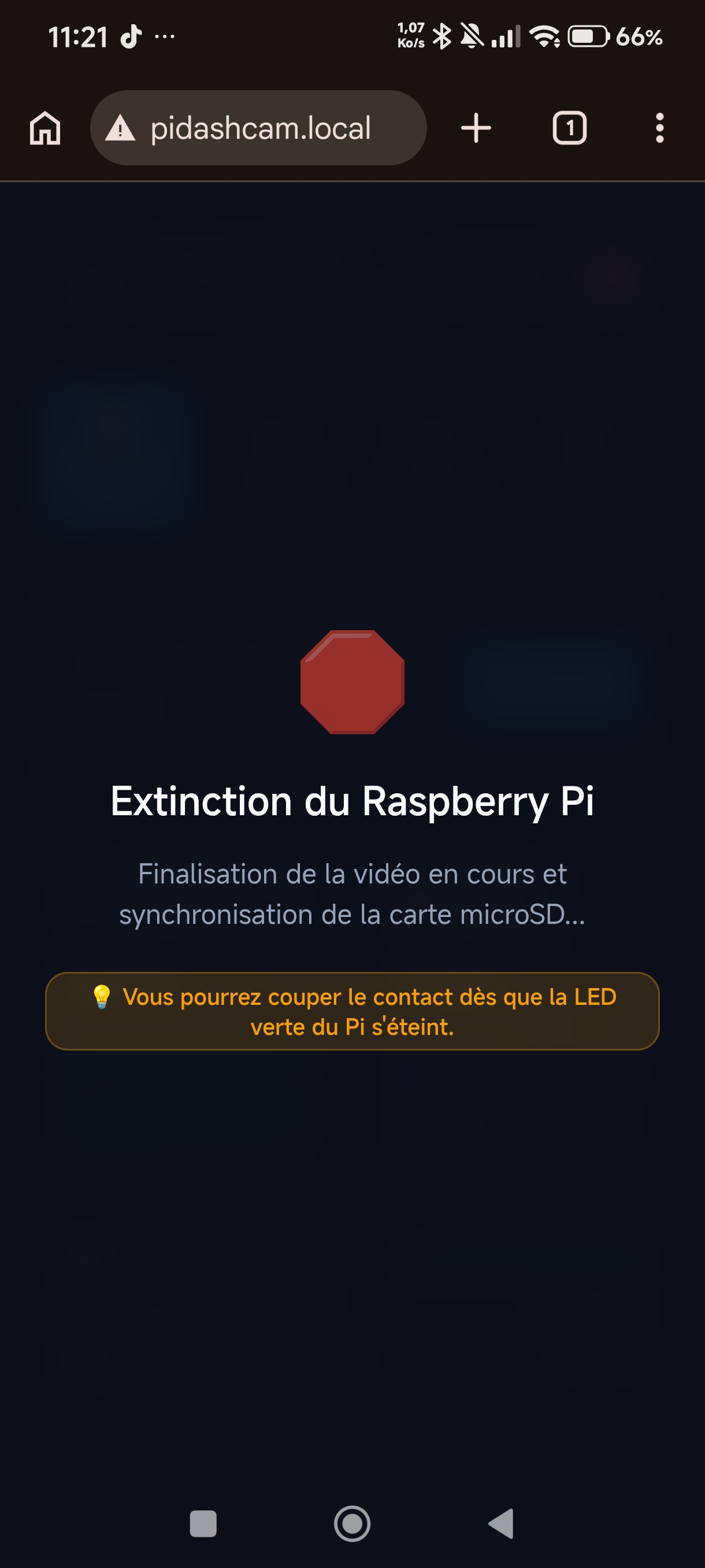
Equipped with a 1000 mAh LiPo battery and MAX17040G (I2C 0x36) fuel gauge. When ignition cuts off, the UPS takes over seamlessly, applies a 30s grace period, gracefully closes the video, flushes storage caches (sync), and triggers safe shutdown.
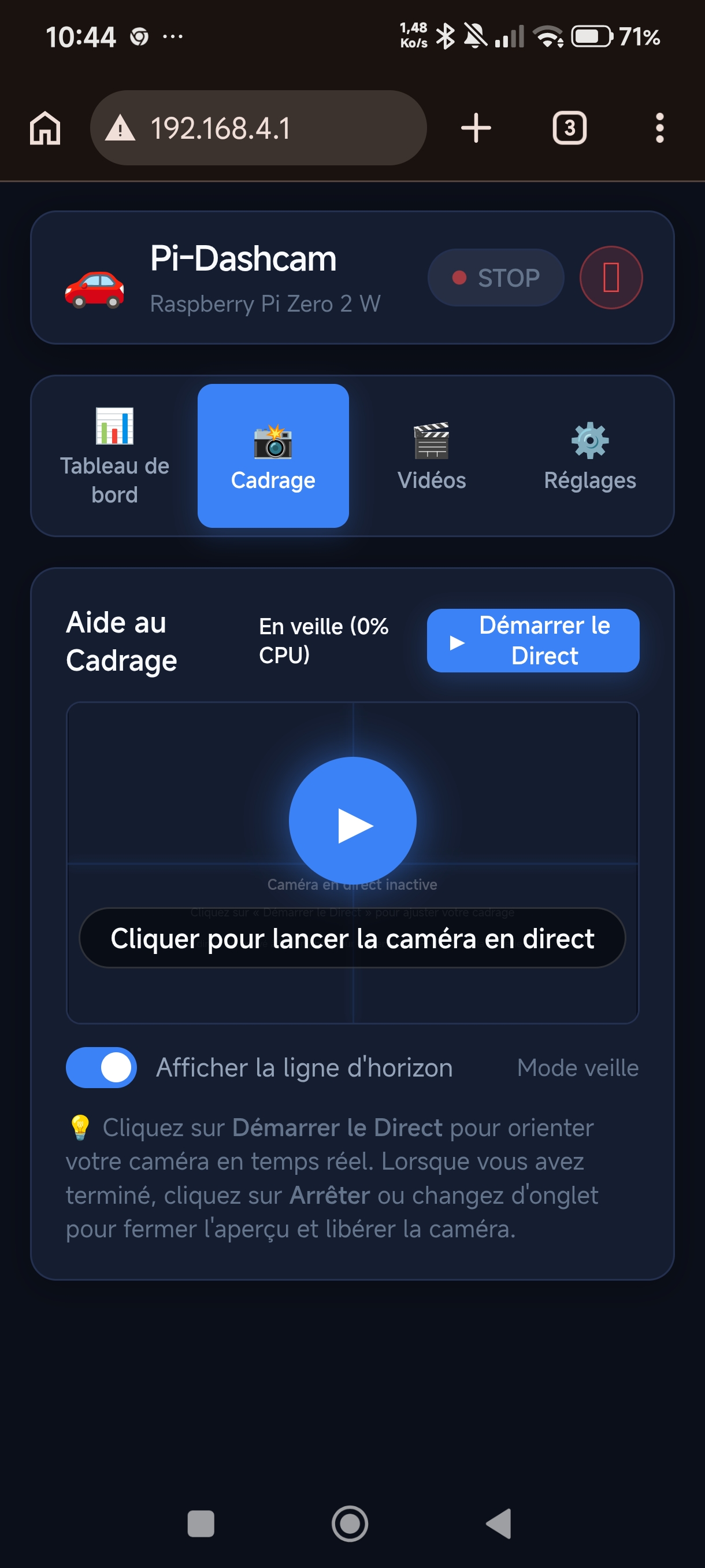
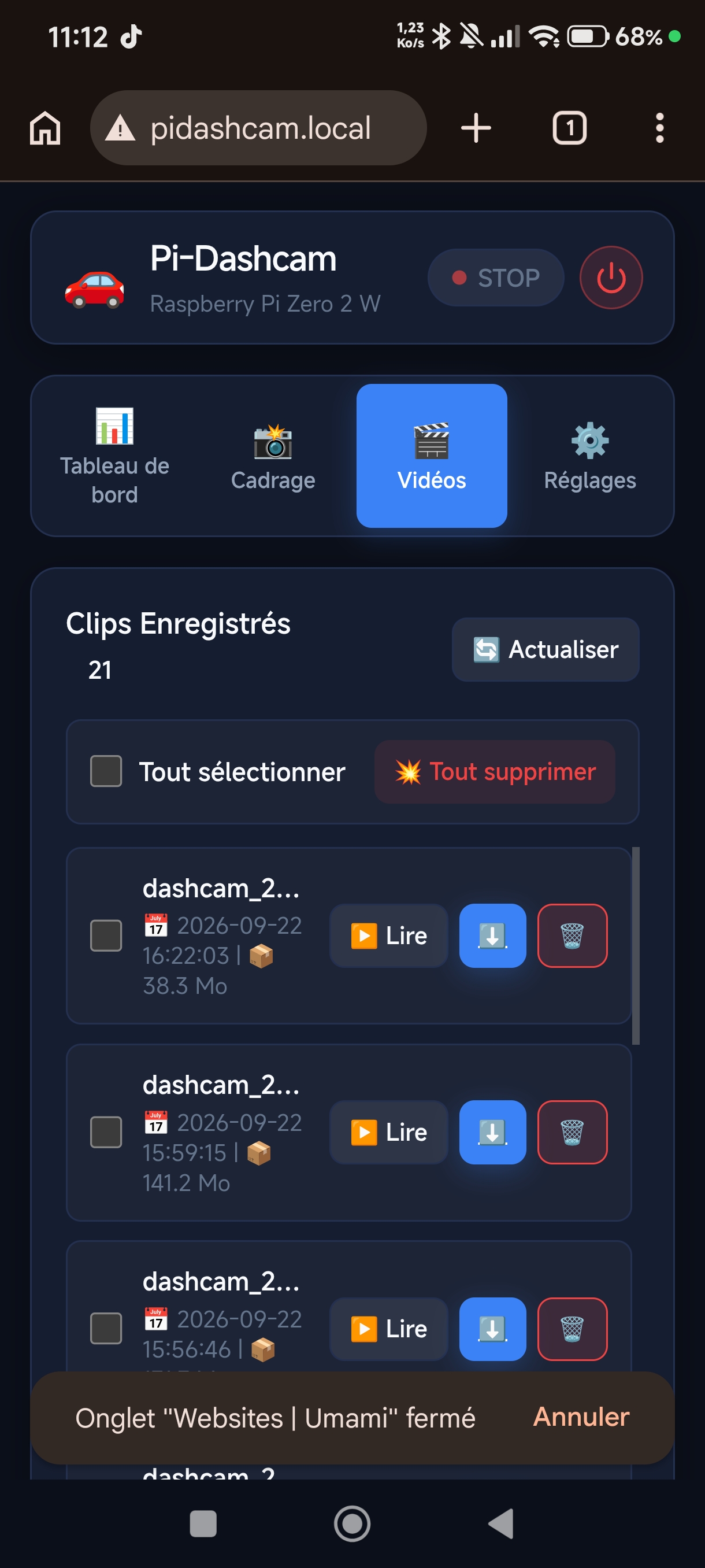
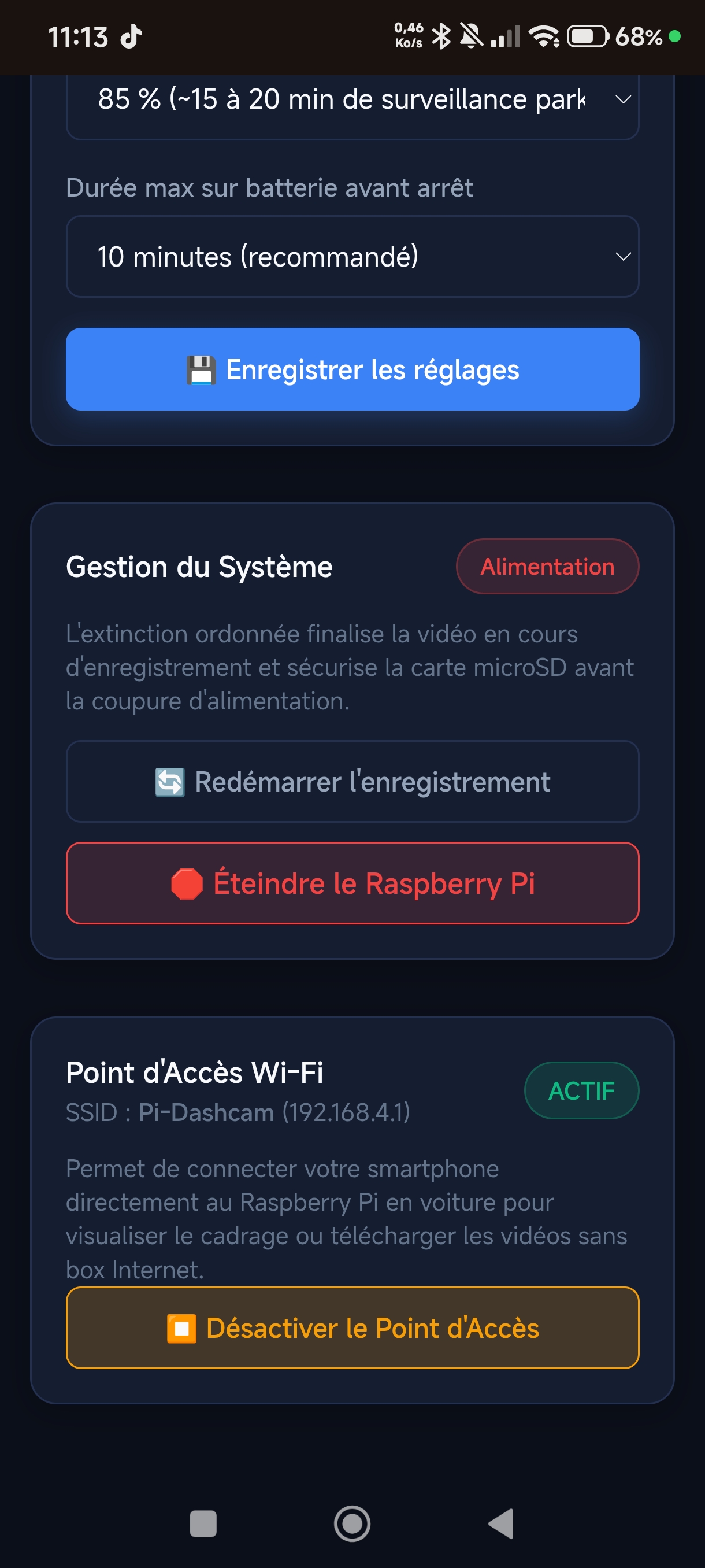
Never pull out your microSD card by the roadside. Connect your smartphone directly to the dashcam's secure Wi-Fi access point. Use the responsive web interface to inspect live camera alignment, browse timestamps, and download MP4s directly to your phone.
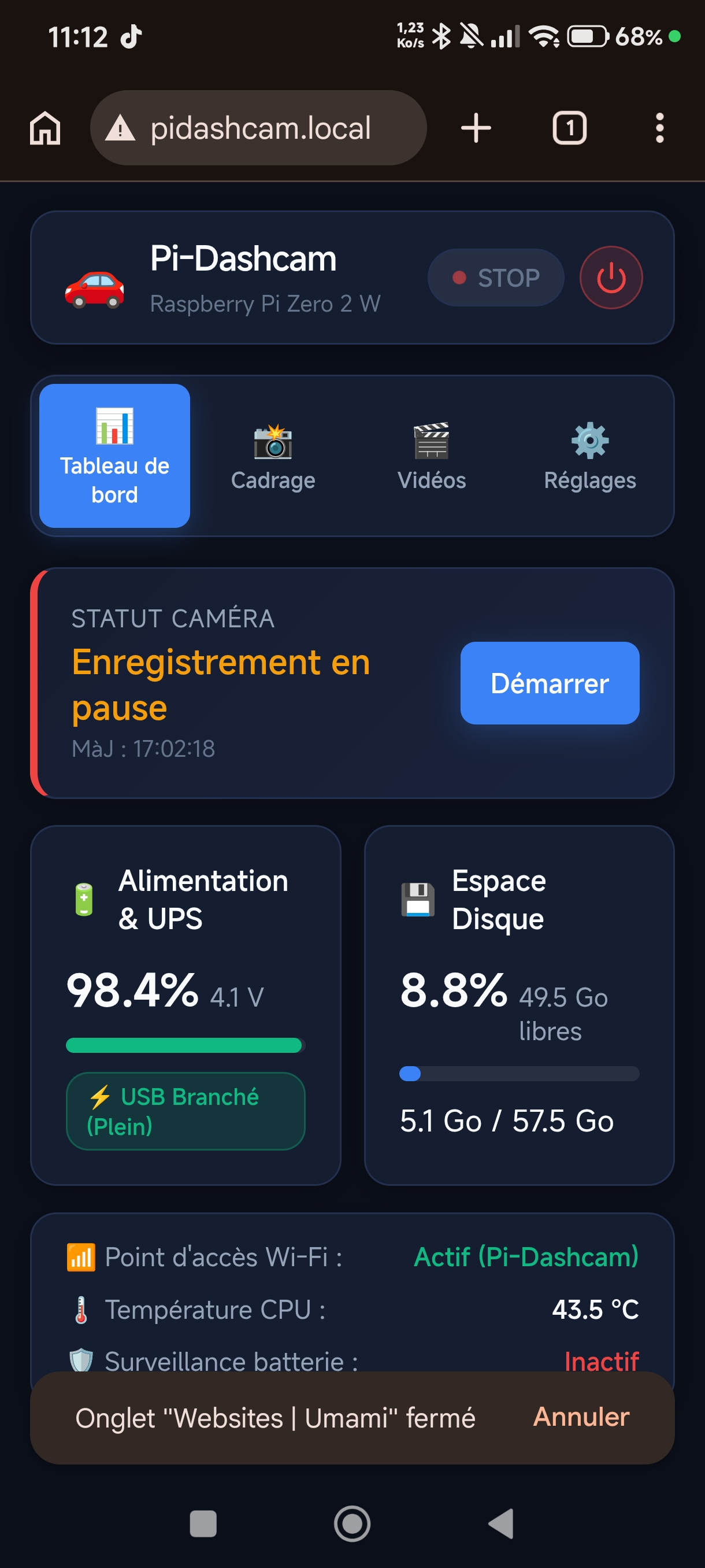
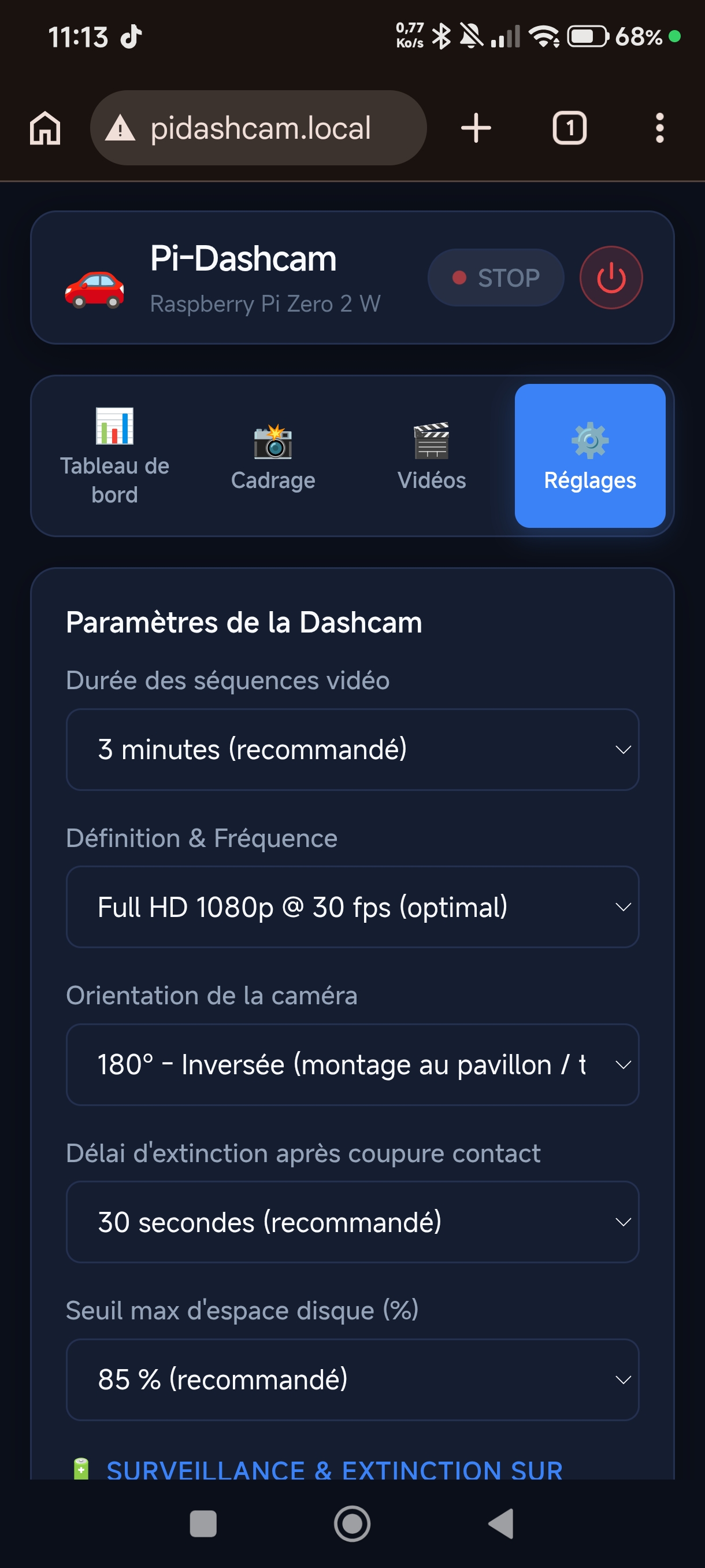
Connect directly to the on-board Wi-Fi access point Pi-Dashcam (192.168.4.1 or pidashcam.local) to operate all dashcam features wirelessly — no cellular data, Internet connection, or proprietary app store downloads required.
Keep track of all dashcam vitals in one single view: recording status (paused or capturing), real-time UPS-Lite battery percentage and cell voltage (98.4% / 4.1V), free microSD card space, CPU operating temperature, and active Wi-Fi status.
The UPS-Lite module mounts beneath the Pi Zero via 4 spring pogo-pins, while the Waveshare e-Paper HAT plugs directly on top.
| Component | Physical Pin | BCM / GPIO Name | Function & Protocol | Status |
|---|---|---|---|---|
| UPS-Lite V1.2 | Pin 2 | 5V | Primary 5V Power Rails | Dedicated |
| UPS-Lite V1.2 | Pin 6 | GND | Ground | Dedicated |
| UPS-Lite V1.2 | Pin 3 | GPIO 2 (SDA) | I2C Data (MAX17040G fuel gauge, address 0x36) | No Conflict |
| UPS-Lite V1.2 | Pin 5 | GPIO 3 (SCL) | I2C Clock | No Conflict |
| e-Paper HAT V4 | Pin 1 | 3.3V | Logic Power | Dedicated |
| e-Paper HAT V4 | Pin 19, 23, 24, 22 | MOSI, SCLK, CE0, RST | High-speed SPI0 bus | No Conflict |
The automated installer configures kernel modules, access point Wi-Fi, background scripts, and systemd units.
git clone https://github.com/gotenash/pi-dashcam.git /home/pi/pi-dashcam
cd /home/pi/pi-dashcam
chmod +x install.sh
sudo ./install.sh

